
01
Grounded in permitted context
Ground answers in permitted source context and show where the context came from
Omega intelligence
Omega intelligence is designed to work from the current screen, task and permitted organisational context. It can help teams find, summarise, prepare and prioritise; the authorised user remains responsible for clinical, operational and financial decisions.
Omega is in active product development. Capability availability is confirmed during solution scoping.
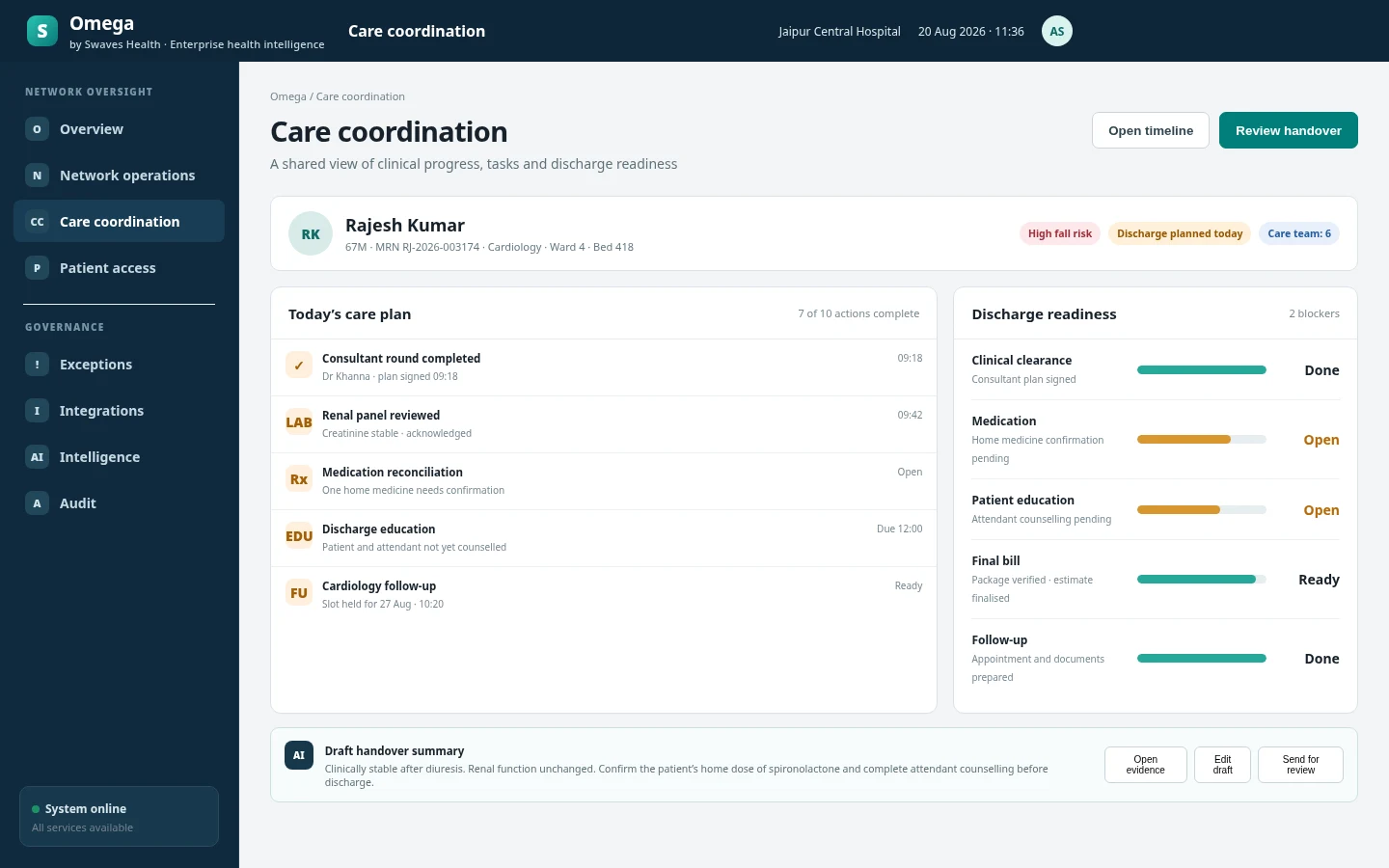
Discharge remains blocked by one medication confirmation and attendant counselling.
Human-authorised control chain
Working principles
The design starts with the person doing the work and the decision they are authorised to make.
Ground answers in permitted source context and show where the context came from
Match assistance to the user’s role, task and current workflow
Keep clinical decisions, record sign-off, result release and financial approval with authorised people
Record accepted actions through the responsible business workflow and audit path
Provide a safe manual route when assistance is unavailable or not appropriate
Practical use cases
Assistance is introduced inside clear operating boundaries, with review and a normal workflow path retained.
Prepare a concise view of recent encounters, active concerns, medication and pending work for review by the care team.
Draft summaries, instructions and correspondence from authorised encounter context for a clinician or operator to review and accept.
Explain the current screen, identify missing prerequisites and guide a user through the configured next steps.
Surface ageing, dependencies and operational exceptions so teams can decide what requires attention first.
Answer questions about permitted queues, capacity, turnaround, collections or supply status using current platform context.
Point out missing fields, conflicting selections or unfinished workflow steps before submission.
Experience model
Explain fields, dependencies, pending work and relevant source context from the current authorised workspace.
Prepare a summary, response, handover note or review list that a responsible user can edit and accept.
Ask questions about permitted queues, capacity, turnaround, stock or collections without manually assembling reports.
Review enabled use cases, availability, accepted actions and operational feedback through controlled administration.
Sense Health
Start with the facilities, journeys and operating constraints that matter most.